Loved on the App Store
Your phone works for you now.
Pick a time. Bolt it. The apps that eat your day stay locked until time's up.
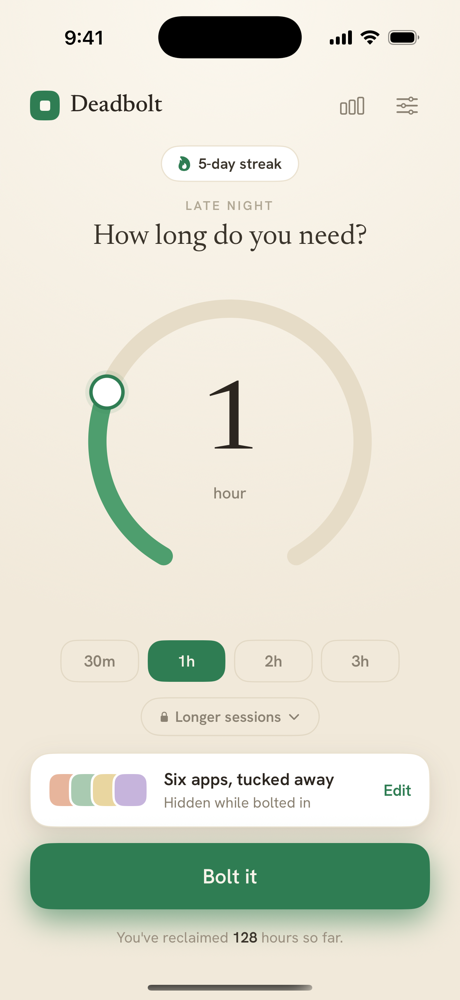
One tap
Set the dial. Bolt it.
Choose how long you need to focus and lock the apps that pull you away. No accounts, no dashboards — just a dial and a decision. When the time's up, they come back.
Runs on its own
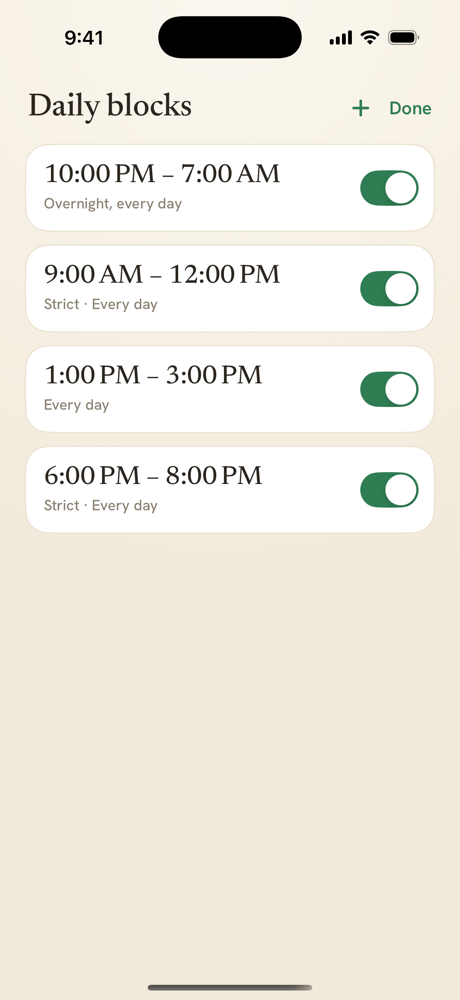
Daily limits. Automatically.
Give your distracting apps a time budget for the day. Spend it, and they lock themselves — no session to start, no decision to make. Tighten a limit and it takes effect now; ease one and it waits until tomorrow, so the you at 11pm can't overrule the you who set it.
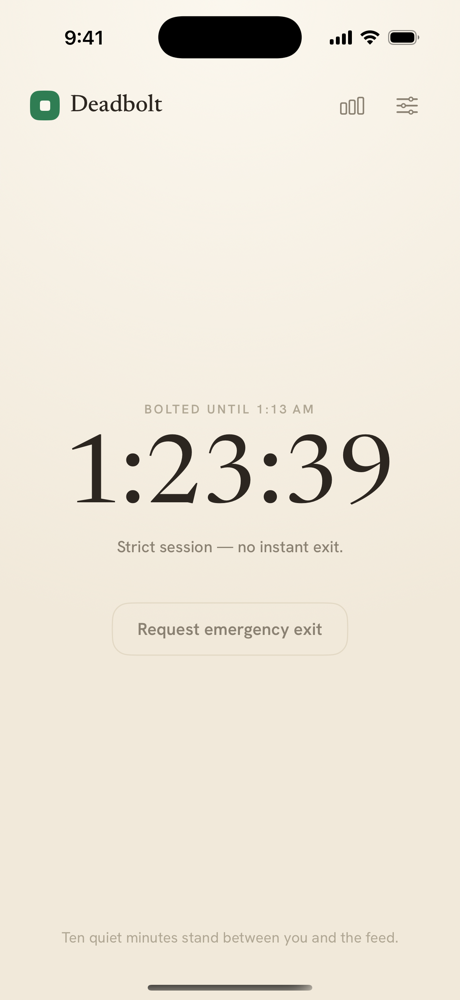
No willpower required
Strict mode means it.
Turn on strict mode and there's no instant exit. Need out early? Wait out a ten-minute cooldown — or walk 200 steps. Enough friction to break the reflex, never enough to trap you.
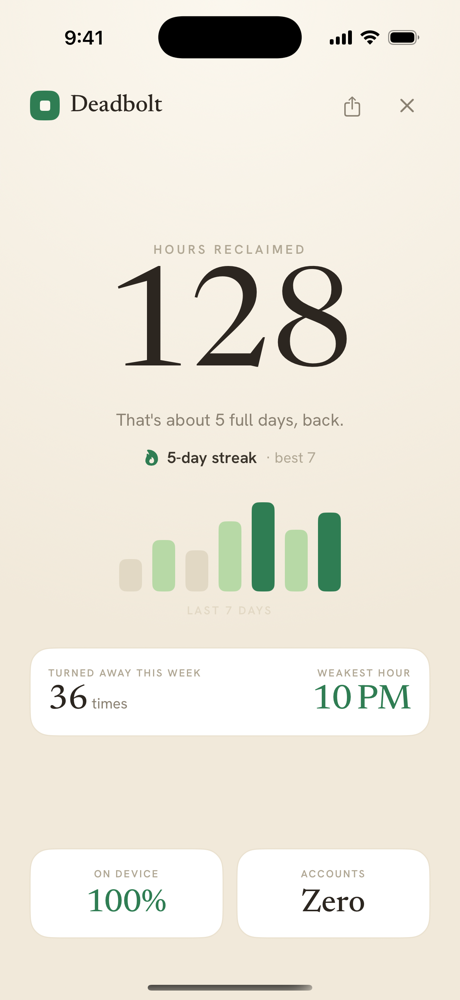
See it add up
The hours you got back.
Every finished session builds your streak and adds to the hours you've reclaimed. A quiet record of the time that used to disappear.
People keep it.
What screen-time apps usually don't earn.
“Set it once and my evenings just… came back.”— daisseyy
“The only screen-time app I've actually kept.”— Marcus2521
No account. No tracking. Ever.
Deadbolt never learns which apps you block or when. Everything stays on your iPhone — because a focus app has no business watching you.